The Future of Visual Communication: Exploring the Power of AI Infographic Generators
A spreadsheet full of figures rarely persuades anyone at a glance. The same information, arranged as a clear chart with a headline, a few icons and a logical flow, can make a…
2 min
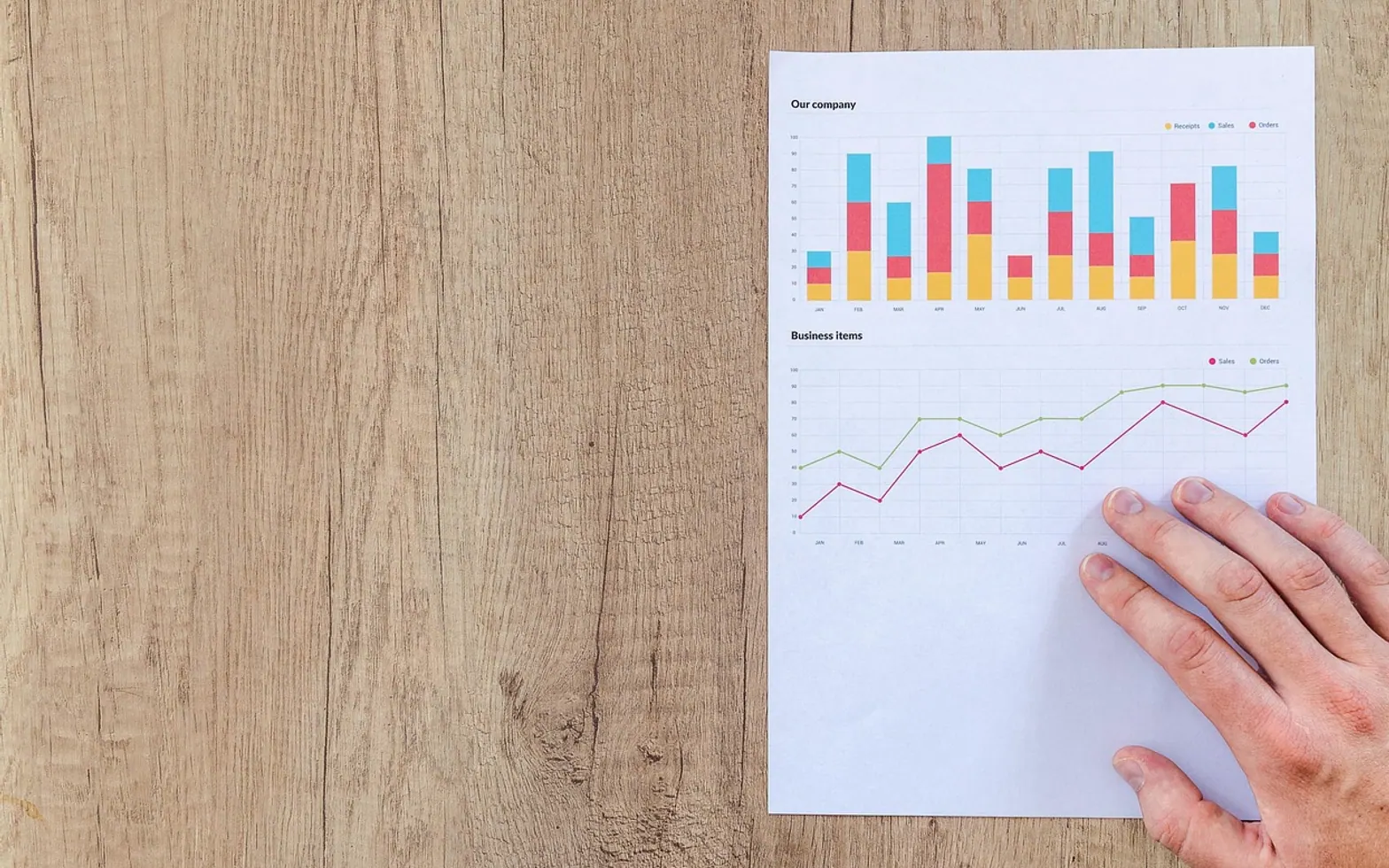
A spreadsheet full of figures rarely persuades anyone at a glance. The same information, arranged as a clear chart with a headline, a few icons and a logical flow, can make a point in seconds. That is why infographics remain popular in reports, slide decks, social posts and classroom handouts. What has changed is how quickly they can be made.
From blank canvas to first draft
Traditional infographic design involved several steps: sketching a structure, choosing a palette and fonts, building charts, sourcing icons and aligning everything by hand. Even with templates, a polished result could take hours. AI generators compress the early stages. A user describes the topic or pastes in key points and data, and the tool proposes a layout, picks matching visuals and arranges the content into sections.
Browser-based tools have made this especially accessible. An infographic maker online that outputs scalable vector graphics lets people create sharp visuals for both print and screen, then adjust colours, text and layout without installing design software.
Who benefits most
- Small businesses that need explainers for products, processes or pricing without hiring a designer for every piece.
- Marketers producing frequent social content in a consistent visual style.
- Teachers and trainers turning lesson material into one-page summaries.
- Internal teams presenting project updates or survey results to colleagues.
The editor's role
Software is good at arranging boxes, but it cannot decide what the message should be. Someone still needs to choose the single idea the graphic must communicate, check every number against its source, and remove anything that clutters the story. AI can also misread data or pick a chart type that distorts proportions, for example a pie chart for values that do not add up to a whole. A careful review catches these problems before publication.
Brand consistency is another human task. Most tools allow custom colours and fonts; setting them once and saving a template keeps every output recognisably yours.
A five-step workflow
- Define the takeaway. Write one sentence that the viewer should remember.
- Gather clean inputs. Use verified figures and short, plain phrases.
- Generate several drafts. Compare layouts rather than accepting the first suggestion.
- Edit ruthlessly. Cut text, fix hierarchy, check contrast and readability on a phone screen.
- Export for the channel. Vector files for print and large screens, compressed images for social media.
Looking ahead
Infographic tools are likely to become more interactive, with charts that respond to hover or update from live data, and more conversational, so users refine a design by describing changes in plain language. Accessibility features such as automatic alt text and colour-blind-friendly palettes should become standard. The core principle will stay the same: technology speeds up production, while clear thinking about the message is what makes a visual worth looking at.
Desk habits
Small routines that save time later
Picked up while writing the notes on this site.
Photograph the meter
A dated photo settles most arguments about estimated readings.
Name files by date
Year, month, day at the start of a filename keeps invoices and letters in order.
Sketch before you measure
A rough floor plan stops you missing an alcove or counting a strip twice.
Update the router
Check for firmware updates whenever you change your Wi-Fi password.
Put terms in writing
A short email confirming price and due date beats any verbal promise.